You have just received a batch of GPS trackers to monitor your construction equipment, utility vehicles, or IT hardware. Each device is associated with a unique identifier. All that’s left is to open the Deveryloc app on your phone to view the entire fleet on a map. The process seems straightforward, but a few common situations (changing smartphones, losing passwords, shared access among colleagues) can turn this step into a headache.
Recovering or Transferring a Deveryloc Account After Changing Phones
A technician who breaks their smartphone or switches from Android to iOS faces a concrete problem: the app must be reinstalled without losing visibility of the equipment. The Deveryloc account is linked to identifiers (email address and password), not to a physical device. Therefore, reinstalling the DeveryLight app from the Google Play Store or the App Store is enough to regain access to the entire fleet, provided you log in with the same credentials.
The difficulty arises when no one in the company has noted these credentials. First and foremost, centralize the login information in a shared password manager (Bitwarden, KeePass, or equivalent). If the email address used belongs to the technician who has left, you may no longer be able to reset the password.
To anticipate this scenario, prefer a generic company email (e.g., [email protected]) as the main identifier. This way, you maintain control over the recovery process, regardless of turnover in the team.
A detailed guide on accessing the Deveryloc app outlines the steps for initial login and password recovery, which can save you from having to call technical support.
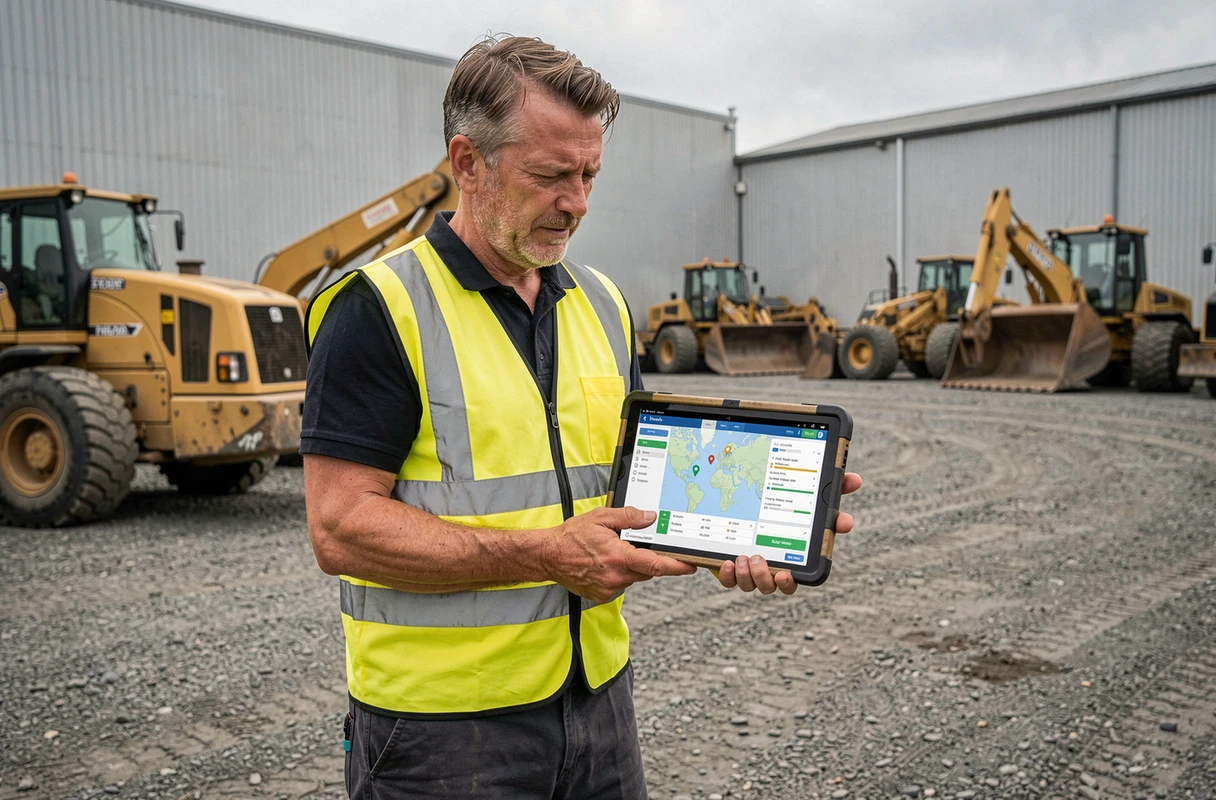
Installing DeveryLight on Smartphone: Steps and Common Pitfalls
The mobile app associated with the Deveryloc ecosystem is called DeveryLight. It is available for free on both major stores. Have you searched for “Deveryloc” in the Play Store search bar with no results? That’s normal: the name to type is DeveryLight, not Deveryloc.
Once the app is downloaded, logging in requires an identifier and password provided during the activation of your geolocation contract. This is not an account you create freely like on a social network. The administrator of your fleet will provide you with this information.
Common Installation Roadblocks
- The phone is using an outdated version of Android or iOS that cannot support the app. Check compatibility on the store listing before calling support.
- The company’s Wi-Fi network blocks certain ports necessary for transferring location data. Test with the 4G/5G connection to isolate the issue.
- Authentication fails because the password contains a special character that is misinterpreted during copy-pasting. Enter it manually to confirm.
These situations account for the majority of support tickets related to the first login. Resolving them in advance saves valuable time.
Temporarily Sharing Access to a Fleet of Equipment
Imagine a subcontractor needs to track the position of three generators that you have lent them for a job. Giving them your main identifier means granting them access to your entire fleet, including vehicles, trailers, and sensitive equipment. A limited temporary access protects the confidentiality of your entire fleet.
According to professional geolocation platforms, managing rights involves an administrator role that creates sub-accounts with restricted scopes. Each sub-account only sees the equipment assigned to it.
Setting Up Restricted Access
The administrator of the main account logs into the web interface (not the mobile app, which offers fewer management functions). They create a user profile associated with a temporary email or the subcontractor’s address, then select only the assets relevant to the sharing.
When the job is completed, simply deactivate or delete this sub-account. The subcontractor immediately loses visibility. This approach avoids the need to change the main account password at the end of each assignment, which would disrupt all other connected users.
Real-Time Tracking from the App: What the Screen Really Displays
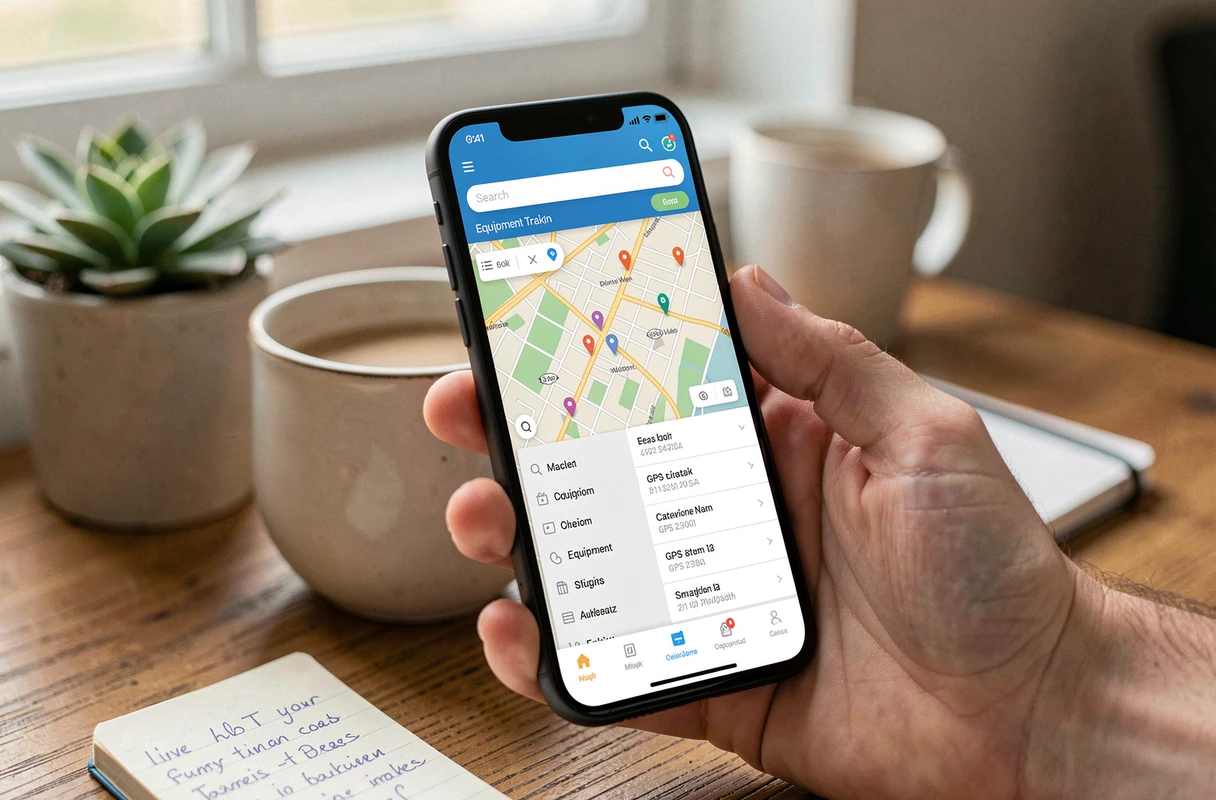
DeveryLight displays a map with the position of each piece of equipment identified by its tracker. You see one point per asset, with the last known position and the associated timestamp. Tracking works on the go, directly in the field, which distinguishes it from a simple Excel spreadsheet updated manually.
The operational benefit is twofold. First, you can immediately spot equipment that has been moved without authorization. Second, you optimize maintenance routes by locating machines before planning interventions.
Associating a Tracker with Equipment in the App
Each GPS tracker has a unique identifier (often a serial number inscribed on the device). The association between this identifier and a readable equipment name (“Forklift n-3”, “Blue Iveco Van”) is done in the administration interface.
- Name your equipment explicitly: a clear label avoids confusion when the fleet exceeds a dozen assets.
- Group equipment by site or type to quickly filter the map in the app.
- Ensure that the tracker is emitting a signal after physical installation before considering the association operational.
A poorly positioned tracker (in a closed metal trunk, for example) may lose the GPS signal. Test the reception before closing the hood.
Security of Deveryloc Accounts and Good Administrative Practices
The geolocation of a fleet of equipment constitutes sensitive data. Knowing where your machines are in real-time interests both your logistics teams and potential thieves who might access the account.
Change the default password upon first login. Use a combination of at least twelve characters, mixing letters, numbers, and symbols. If the platform offers two-factor authentication, enable it without hesitation.
Regularly review the list of users who have access to the account. A technician who left the company six months ago may still have active access. This quarterly check takes a few minutes and significantly reduces the risk of unauthorized access.
Tracking a fleet through geolocation relies as much on the rigor of account administration as on the quality of the equipment. A well-installed app with poorly managed credentials remains an open door. Take the time to structure access from the outset, and the rest is just a matter of daily consultation on your screen.